
How to update your company info
Your company info appears all over your site: on pages, in emails, and wherever customers look for how to reach you. Keeping it current means every order confirmation and every contact link points to the right place.
Where it is
Go to Manage Site > Company Info.
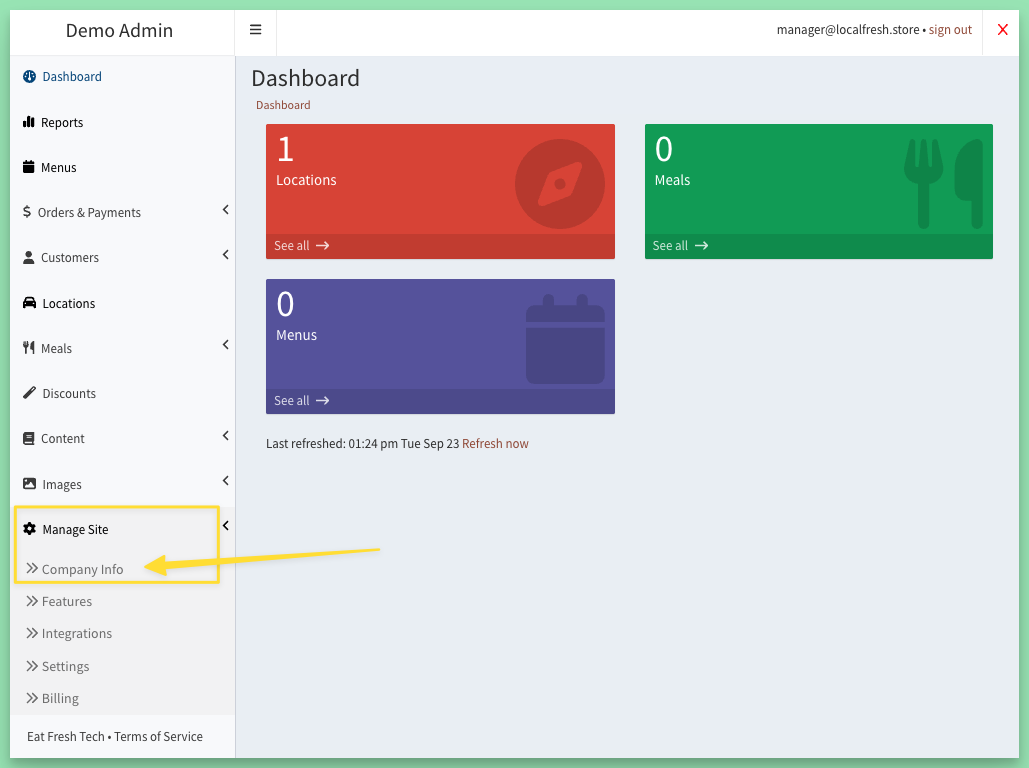
Changing a detail
Click edit next to the field, type the new information, and click Save.
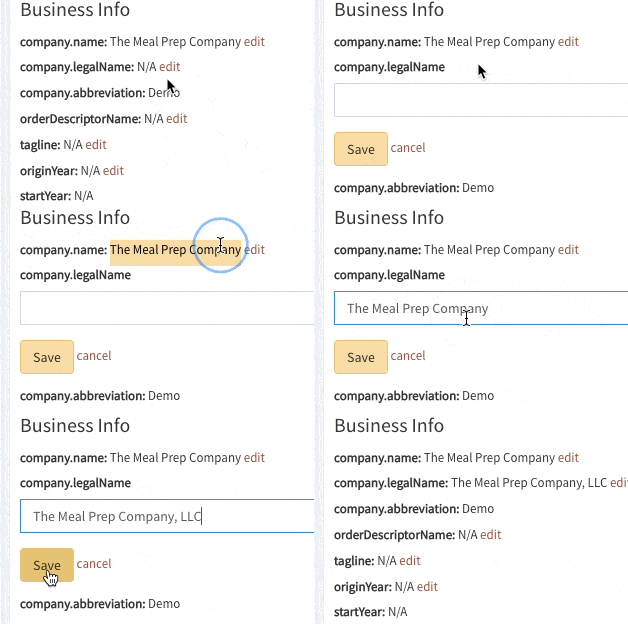
Fields with an edit link are yours to change: your business name and details, owner name, addresses, support contact, the addresses your alert emails go to, and your social links. Fields without one, such as your account code, site abbreviation, site addresses and sending email addresses, are set up by us; message us if one of those needs to change.
Seeing the change
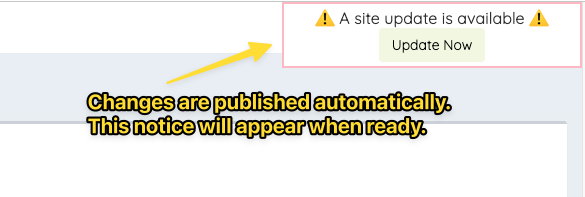
Changes publish themselves. When the "A site update is available" notice appears, click Update Now or refresh the page to see them on your site.
Keywords: phone number, social media, contact email
Related